Sleep Timer press kit
Everything below is free to use in coverage — copy the boilerplate as is, grab the screenshots and the icon.
Boilerplate
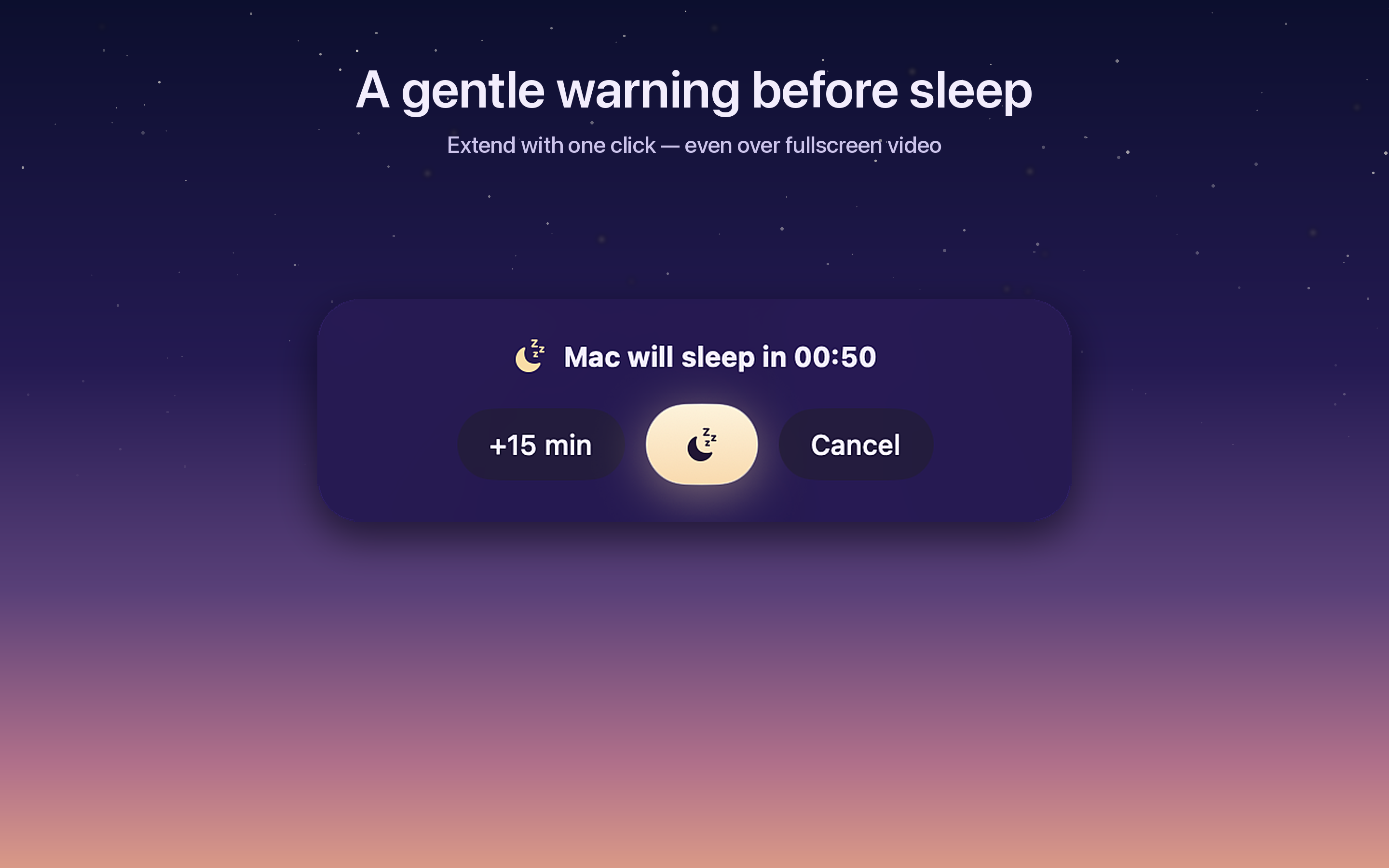
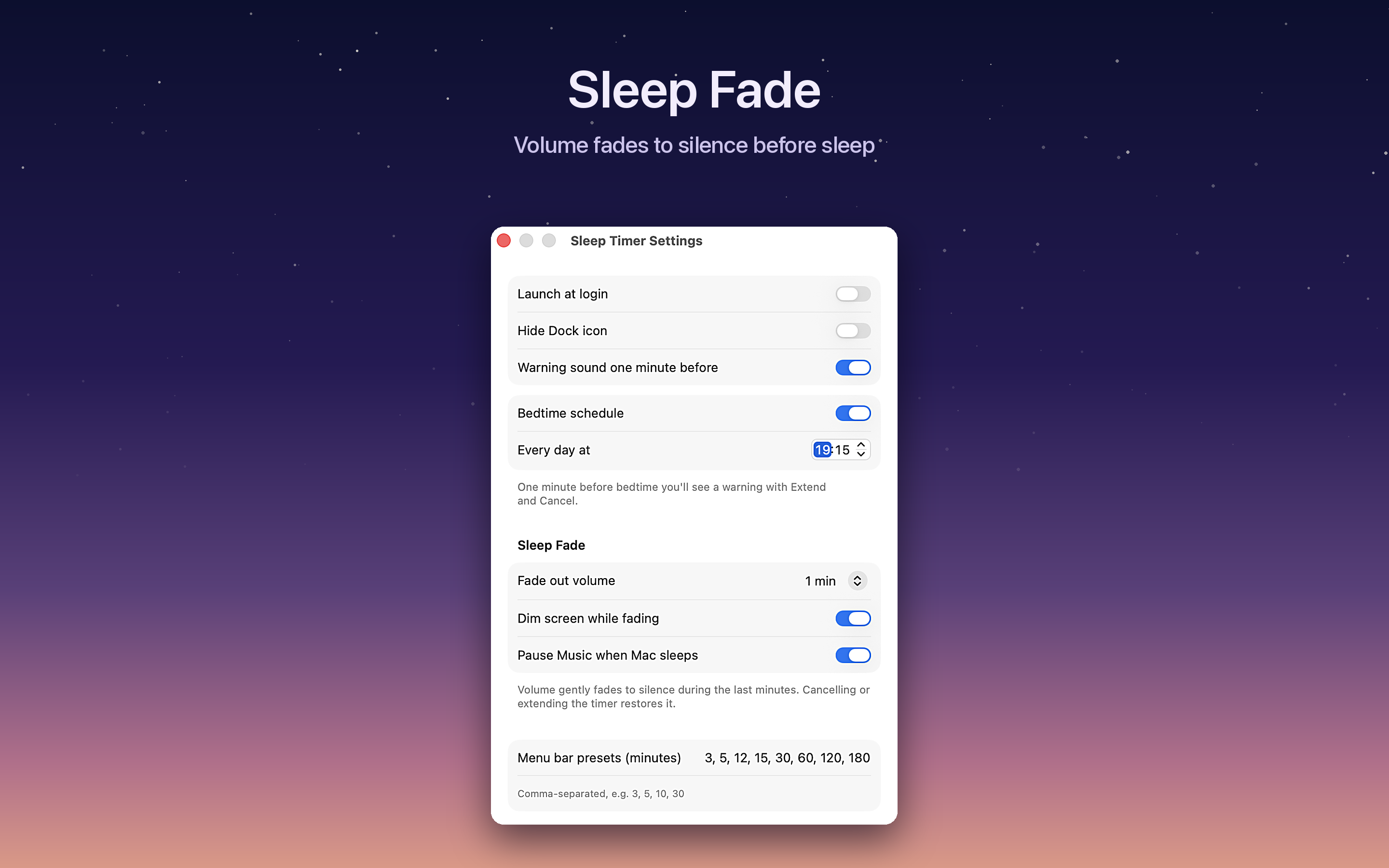
Sleep Timer is a native menu bar sleep timer for macOS. It puts the Mac to sleep after a countdown, at an exact time, or on a bedtime schedule limited to the nights you choose. In the final minutes, Sleep Fade gently lowers the system volume along a smooth curve — optionally dimming the screen and pausing Apple Music — so music never cuts off mid-track. The app ships with a desktop widget, a Control Center toggle on macOS 26 and later, and Siri, Shortcuts and Spotlight support. It is localized into 10 languages and has no network access and no tracking.
Sleep Timer is built by Armen Ter-Oganezov, an independent developer. It is sold on the Mac App Store for $2.99 as a one-time purchase — no subscription.
Fast facts
- Sleep Fade: gradual volume fade, optional screen dim and Apple Music pause
- Night remote: global hotkeys, full-screen countdown
- Price: $2.99, one-time purchase
- Requires macOS 14 or later
- Native SwiftUI, Apple Silicon + Intel
- 10 languages
- No network access, no tracking
- Mac App Store id 6502469655
- Works day one on macOS 27 Golden Gate
Screenshots
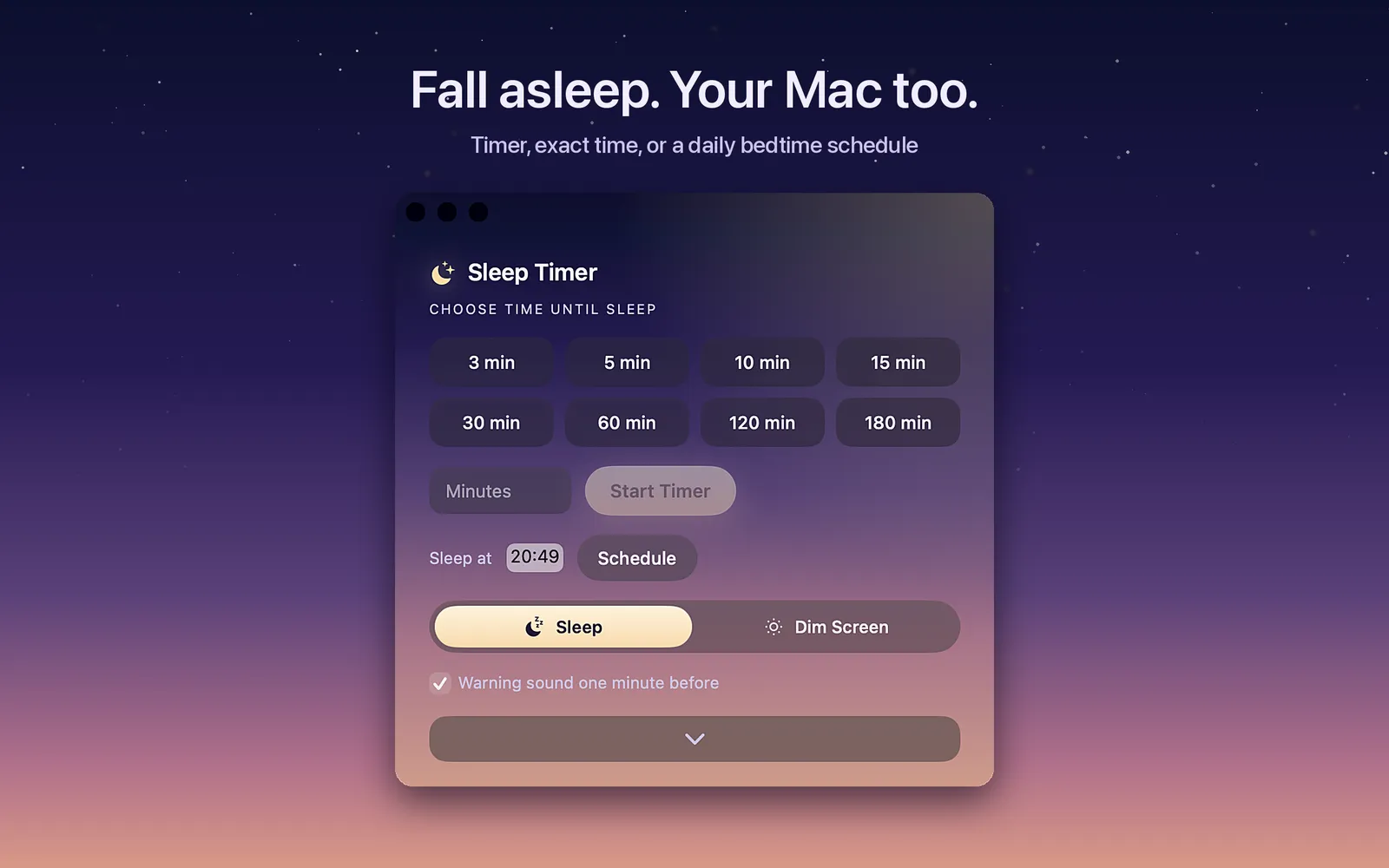
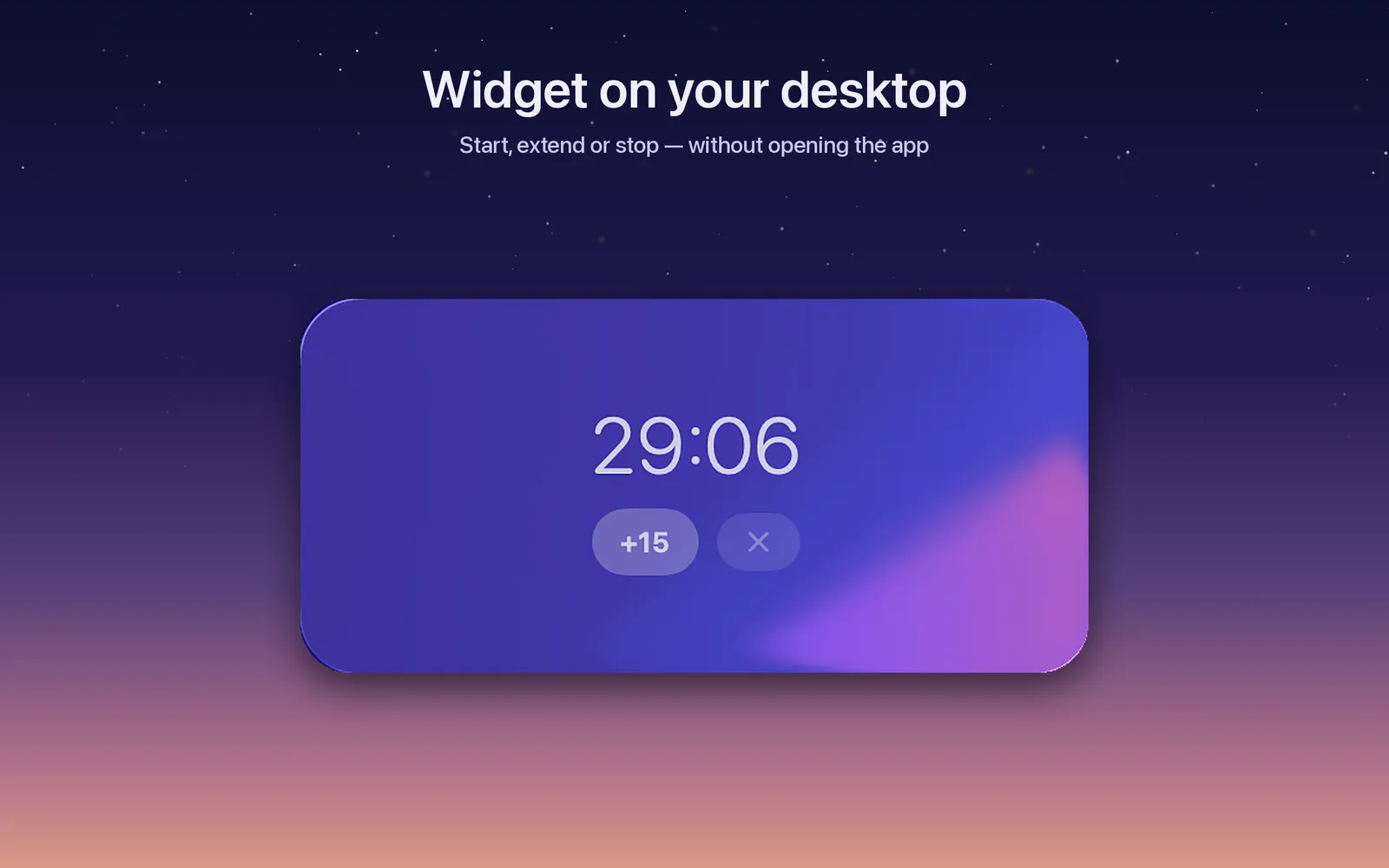
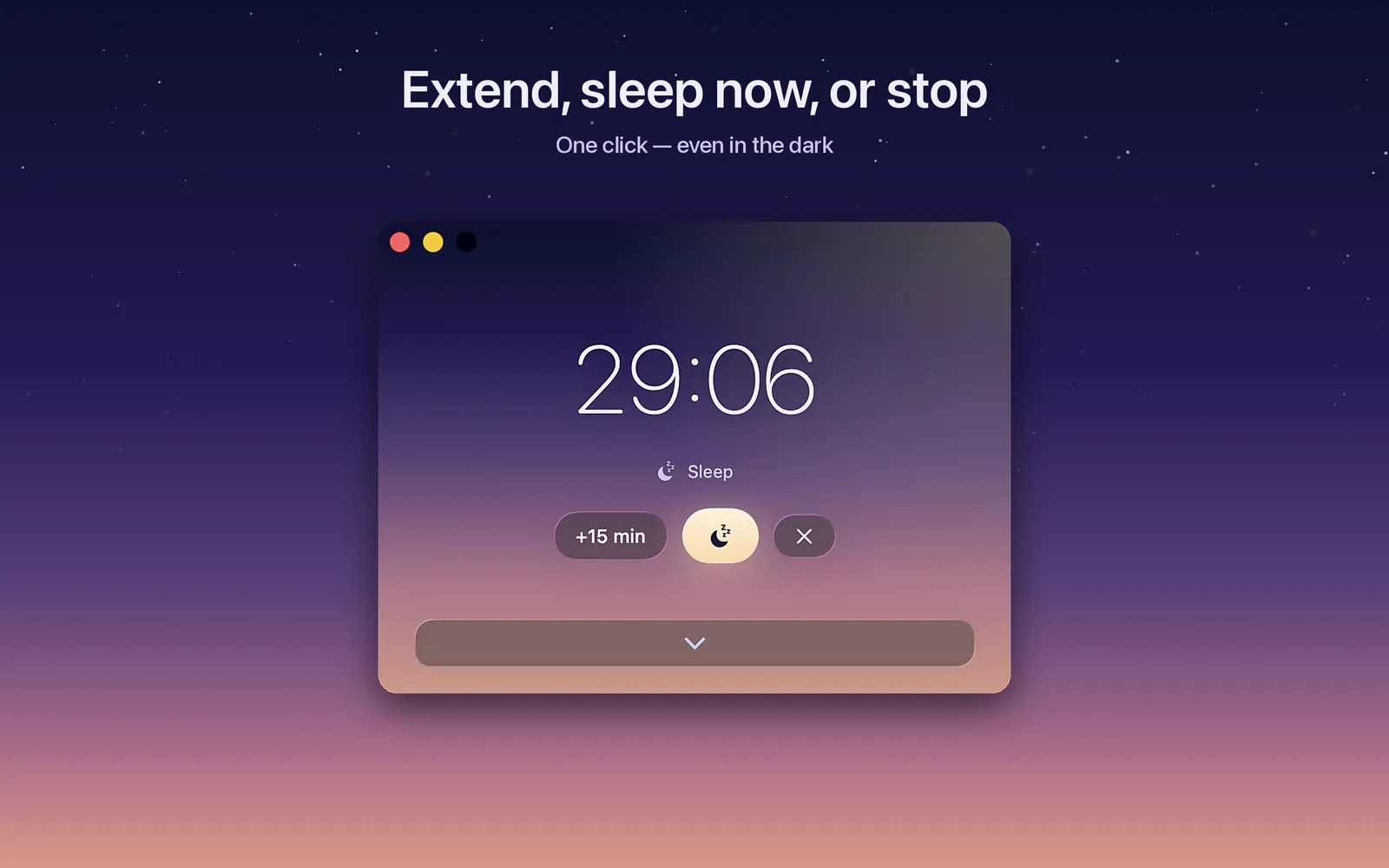
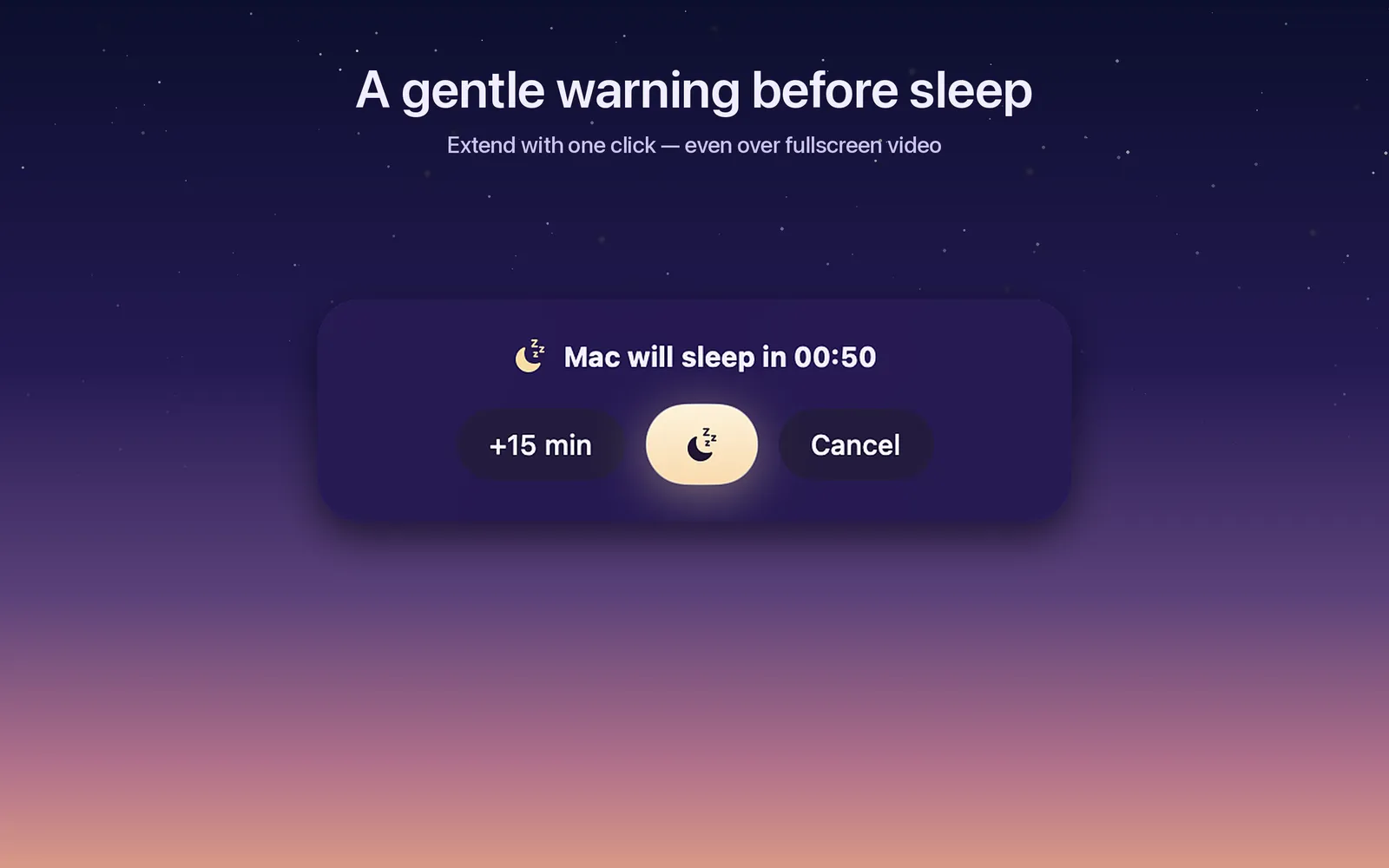
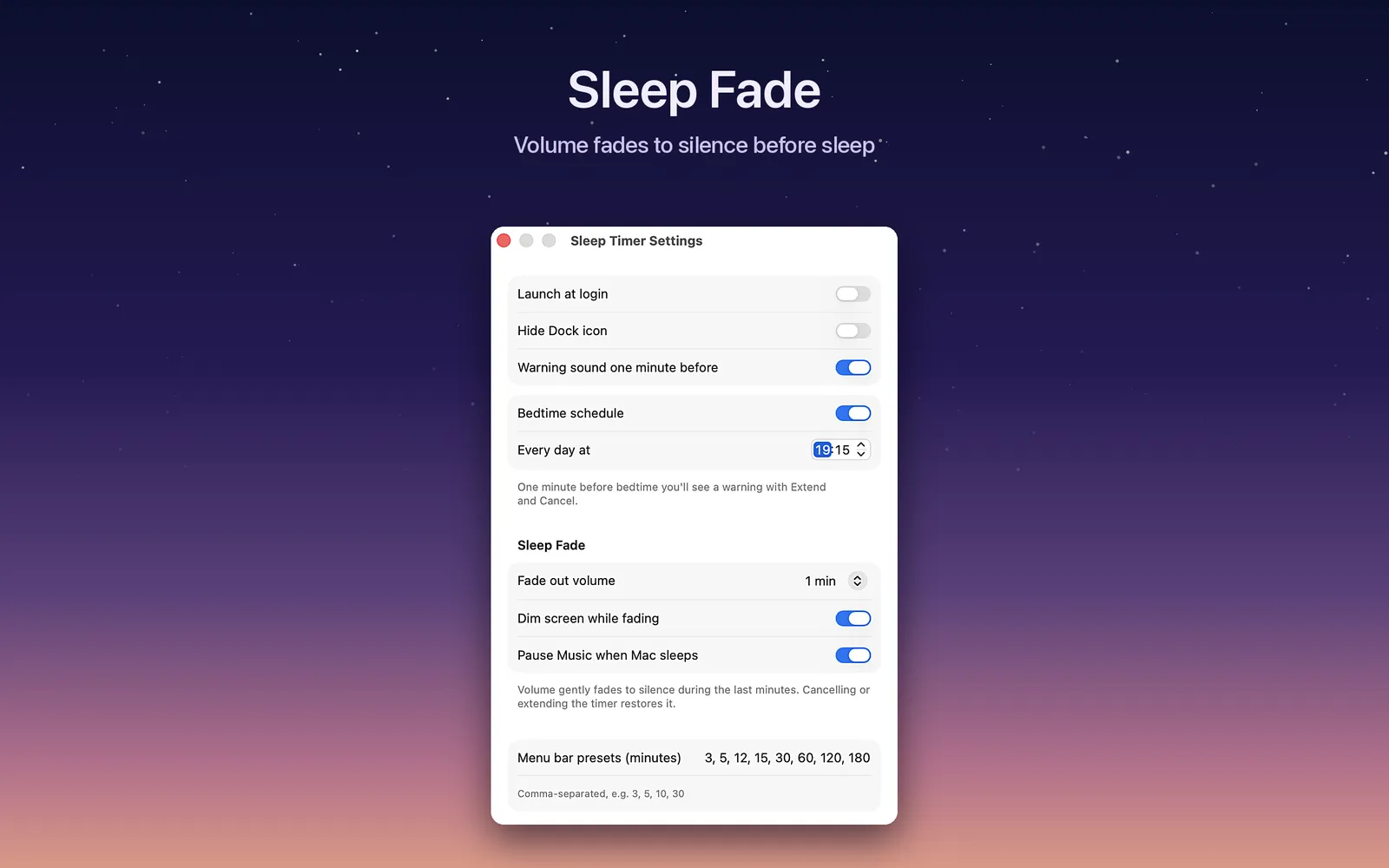
Full-resolution PNGs: 01-hero.png · 02-widget.png · 03-running.png · 04-hud.png · 05-settings.png · icon-1024.png
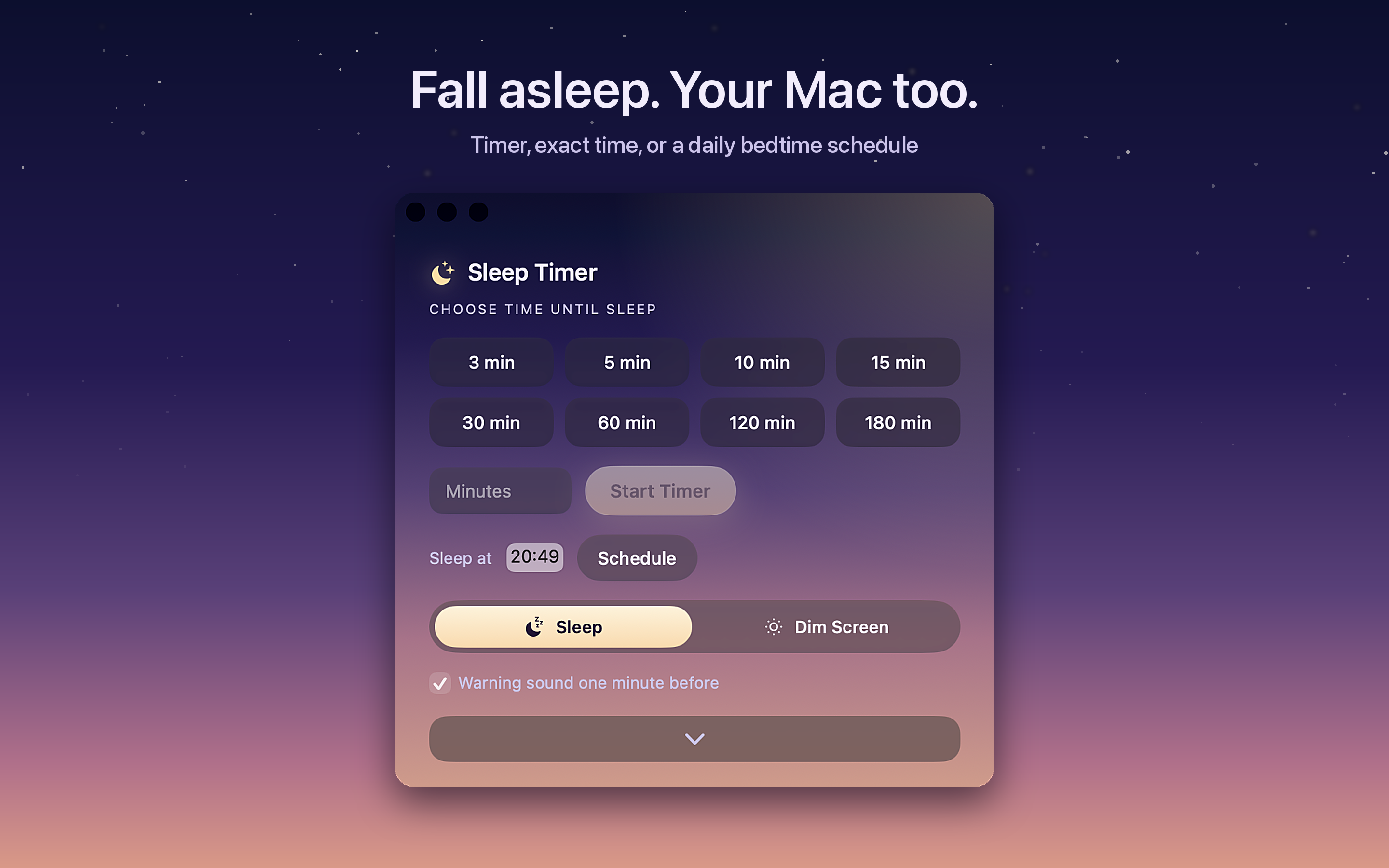
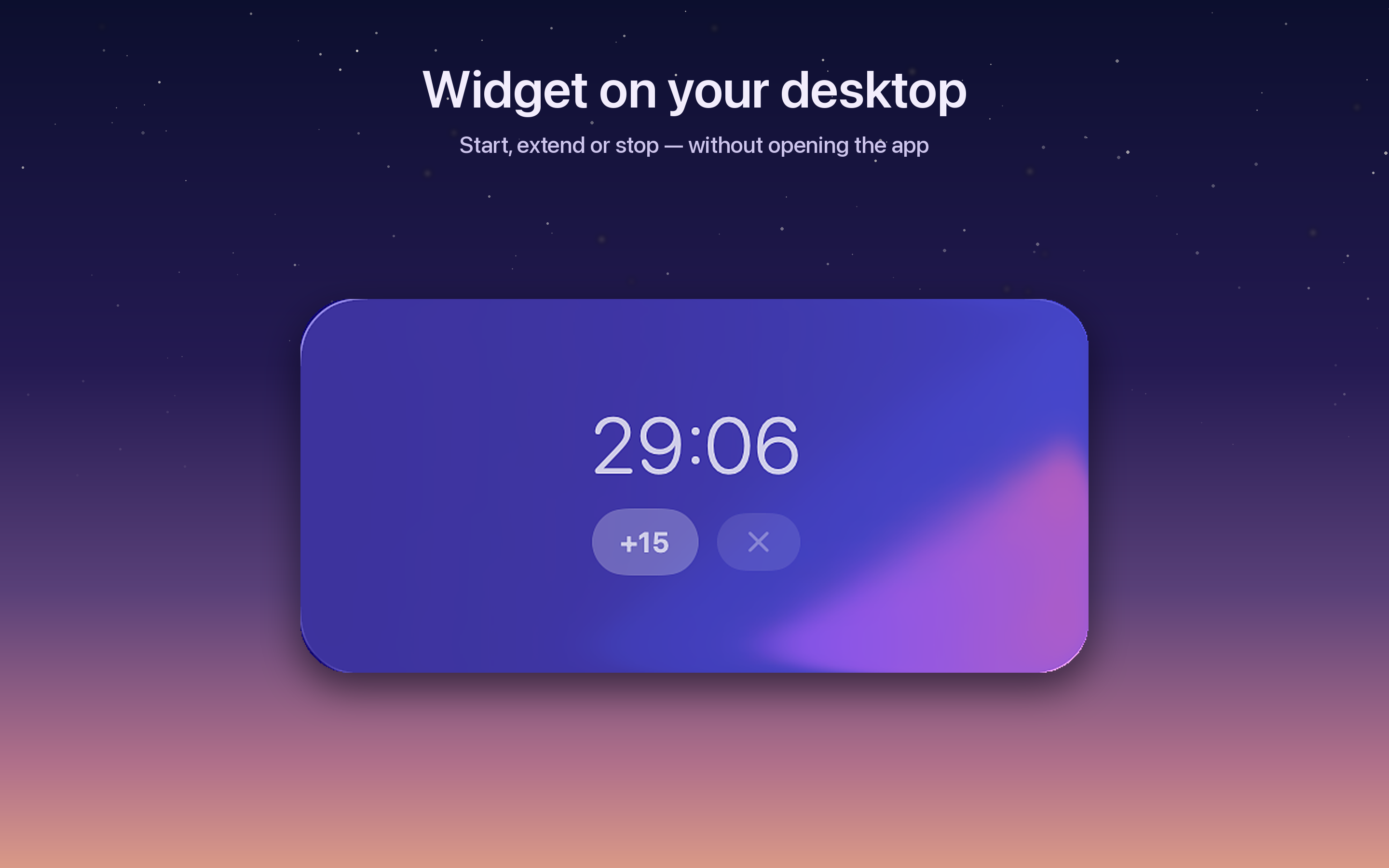
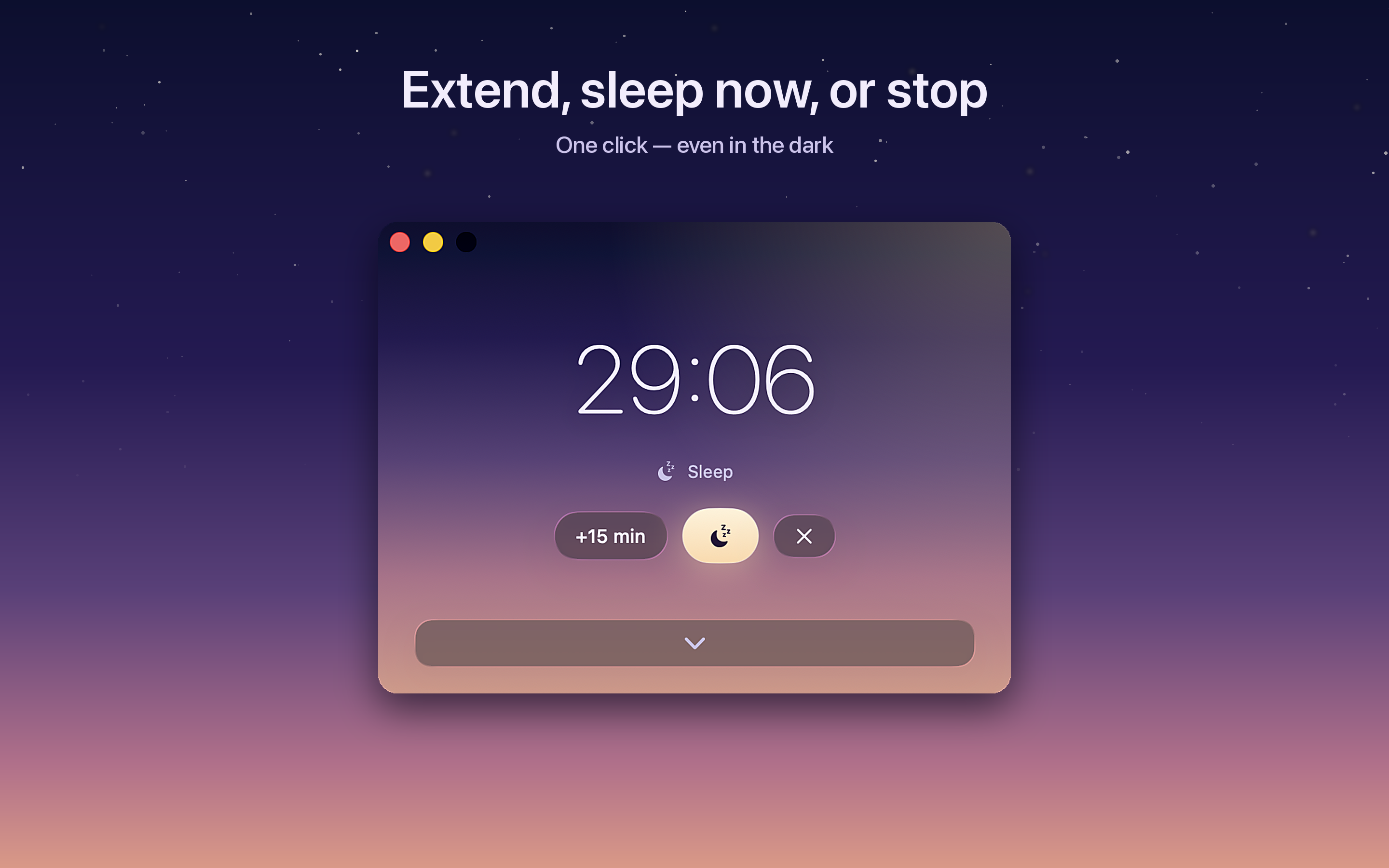

Contact
Questions, interviews, anything missing from this page —hello@sleep-timer.app. Replies within 1–2 days.
View on the Mac App Store